Some links in my articles are affiliate links. I may earn a commission when you buy through them.
If your phone armband keeps slipping, first check what is moving: the whole band around your arm, or the handset inside its sleeve. Tightening the strap can help only with the first of those, and it still needs to leave your arm comfortable.
Fit it with the phone, case and key you actually carry. Then bend your arm and swing it naturally. A band that feels secure with your arm hanging straight may sit quite differently once you start moving.
Put the phone in with its usual case fitted and close the compartment. Tilt the holder gently over a soft surface while keeping hold of it. Look for the handset sliding sideways, tipping at the top or pushing against the opening.
If the phone is moving inside the sleeve, check whether you bought the correct size. A screen diagonal is only one measurement: length, width, case thickness and a raised camera surround all affect how the handset sits. A smaller phone can also have too much room in a large universal pocket.
Make sure you can retrieve it without pulling the everyday case off or forcing the opening. Avoid improvised hard packing beside the screen. A holder with a closer-fitting compartment or a different carrying pocket is more useful than squeezing an oversized sleeve tighter against your arm.
Match the fastening range to your arm and sleeve
Measure your arm at the intended wearing position, over the layer that will sit beneath the band. Check the exact product’s range and the amount of fastening that must remain engaged. Use the strap route shown in its instructions; different slots can change the usable fit.
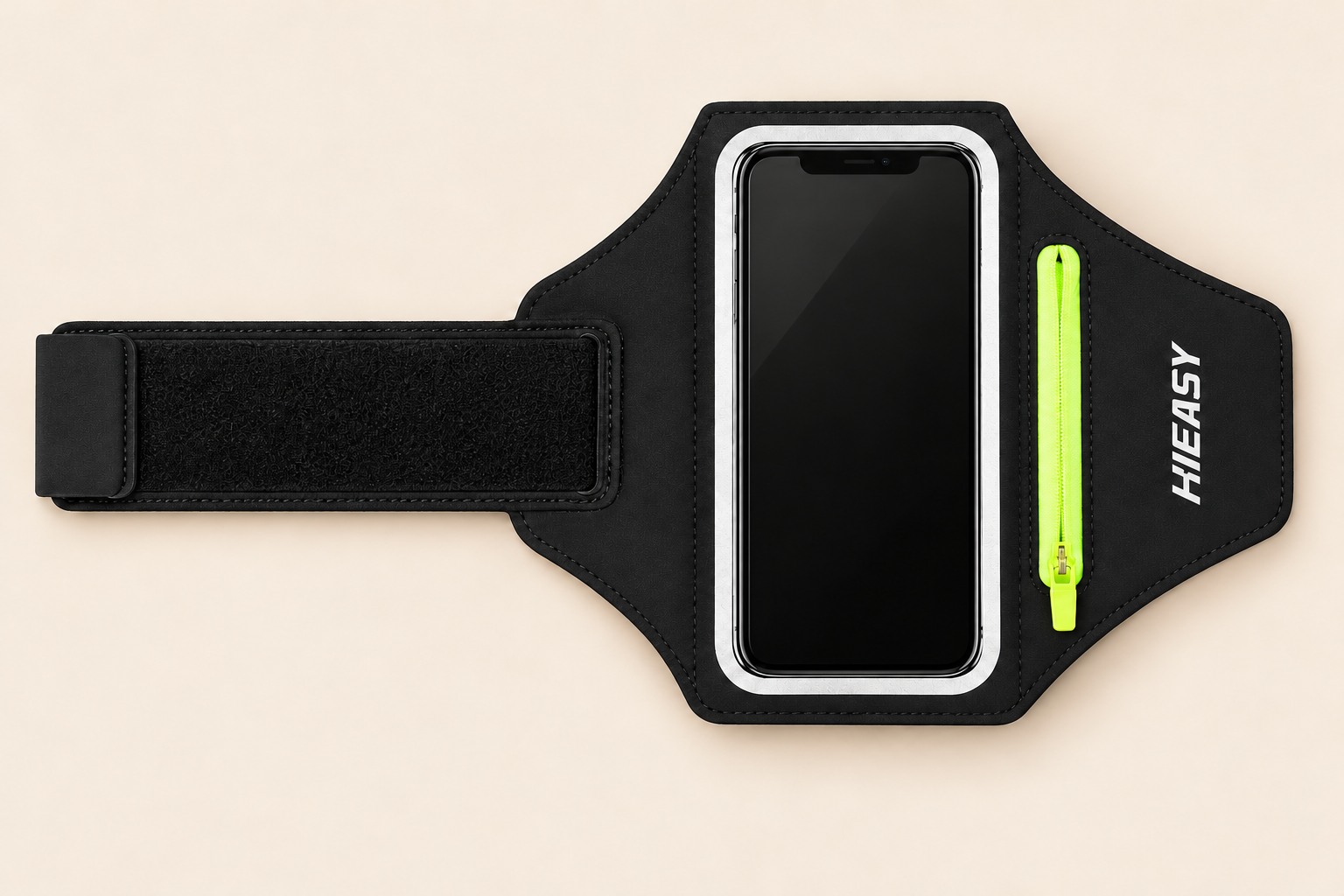
HAISSKY’s black windowed armband has several hook-and-loop fastening areas and a separate zipped pocket. The current listing gives a 15–40 cm arm range for this particular version. Use that as an initial size filter, then check comfortable fastening with your phone loaded.
The separate zipped pocket keeps a small key or earbuds away from the phone. Black 6.9-inch version shown.
A strap that only catches at its tip needs a different size or a suitable maker-approved extension. At the other end, a band that reaches its smallest adjustment while still hanging loose needs a smaller fit. More tension will not create extra fastening length.
Smooth the fabric beneath the band
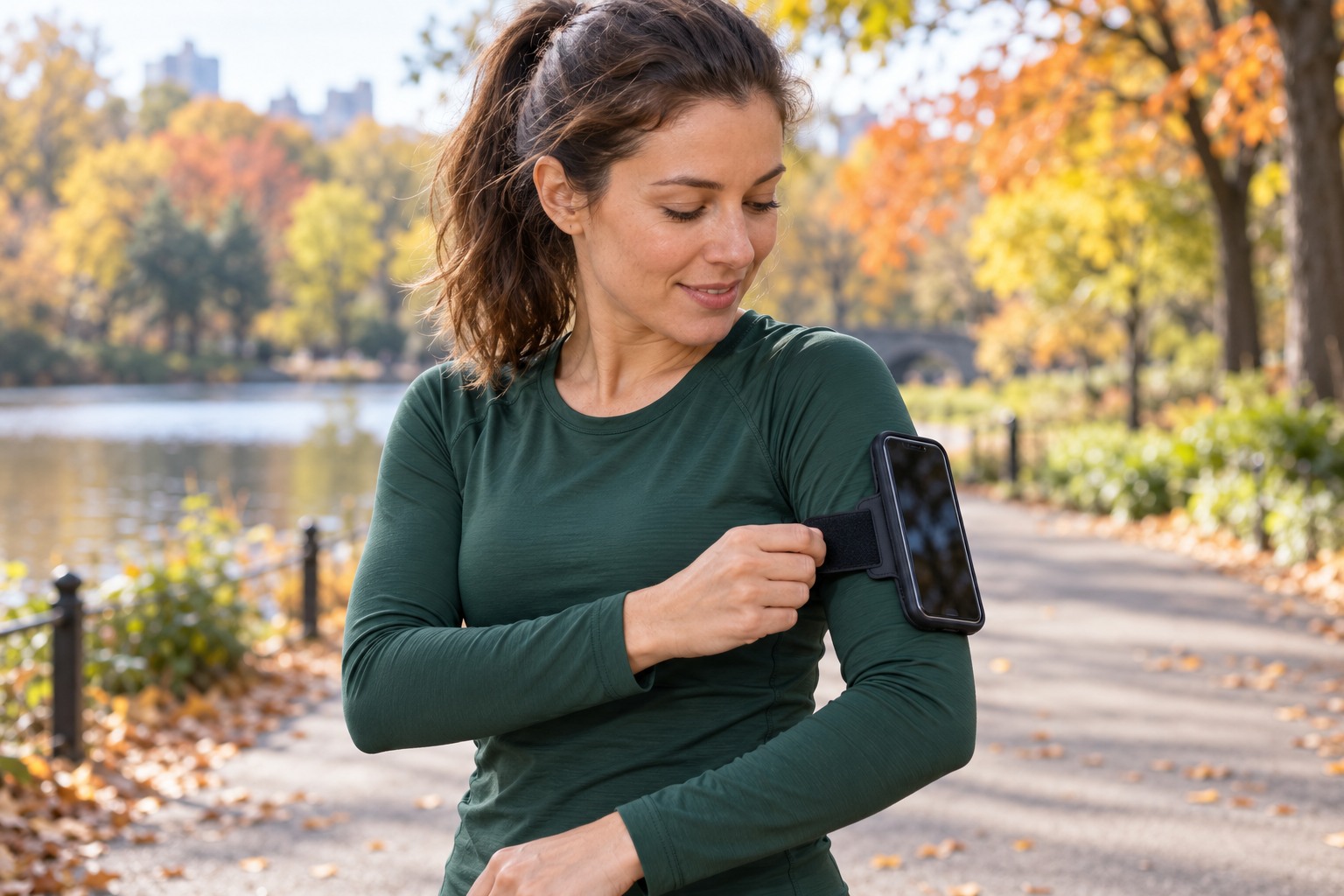
Try a position where the holder lies flat and its lower edge clears the bend of your elbow. Keep the strap away from a thick sleeve seam or folded fabric. You should be able to swing your arm without lifting your shoulder or changing your elbow position to avoid the pocket.
If it stays put on your arm but moves with the sleeve, watch the fabric itself as you move. Pulling a loose shell sleeve tighter with the band may simply gather it into a bunch. Try a smooth close-fitting running top beneath it, or put the phone in a secure belt or vest pocket.
Plan any layer change before leaving. When you remove the sleeve the band was fitted over, stop and refit it to the smaller circumference. Our armband-versus-belt guide explains when a waist pocket makes jacket changes easier.
Reduce the small loads pulling at one edge
Start with the phone alone, then add your key. A heavy key bunch or a full earbud case in a side pocket can pull differently from the flat handset. Keep the essential key separate and secure, and give bulky extras another pocket if they distort the holder.
Check that the fastening surfaces meet cleanly and are not held apart by lint or trapped fabric. Follow the item’s care instructions when cleaning it; avoid oils or improvised sticky coatings to make it grip.
If the strap pinches, rubs or restricts comfortable movement, loosen or remove it and try another position. A secure holder should let you run naturally without spending the outing adjusting it.
Repeat the check after you start moving
Walk, then jog a short familiar stretch and stop to see whether the band has rotated or moved down. Change one thing at a time: pocket load, strap position or the layer beneath it. That makes it easier to tell which adjustment helped.
Keep the phone’s security settings enabled and try your usual unlocking method with the holder fitted. If fit is comfortable but the screen is the remaining problem, the touchscreen glove and pouch checks cover that separate issue.
For a replacement, use the armband buying guide to choose the enclosure and storage you need. If the same phone feels awkward on either arm, the other phone-carrying options include waist, clothing and vest pockets.