Some links in my articles are affiliate links. I may earn a commission when you buy through them.
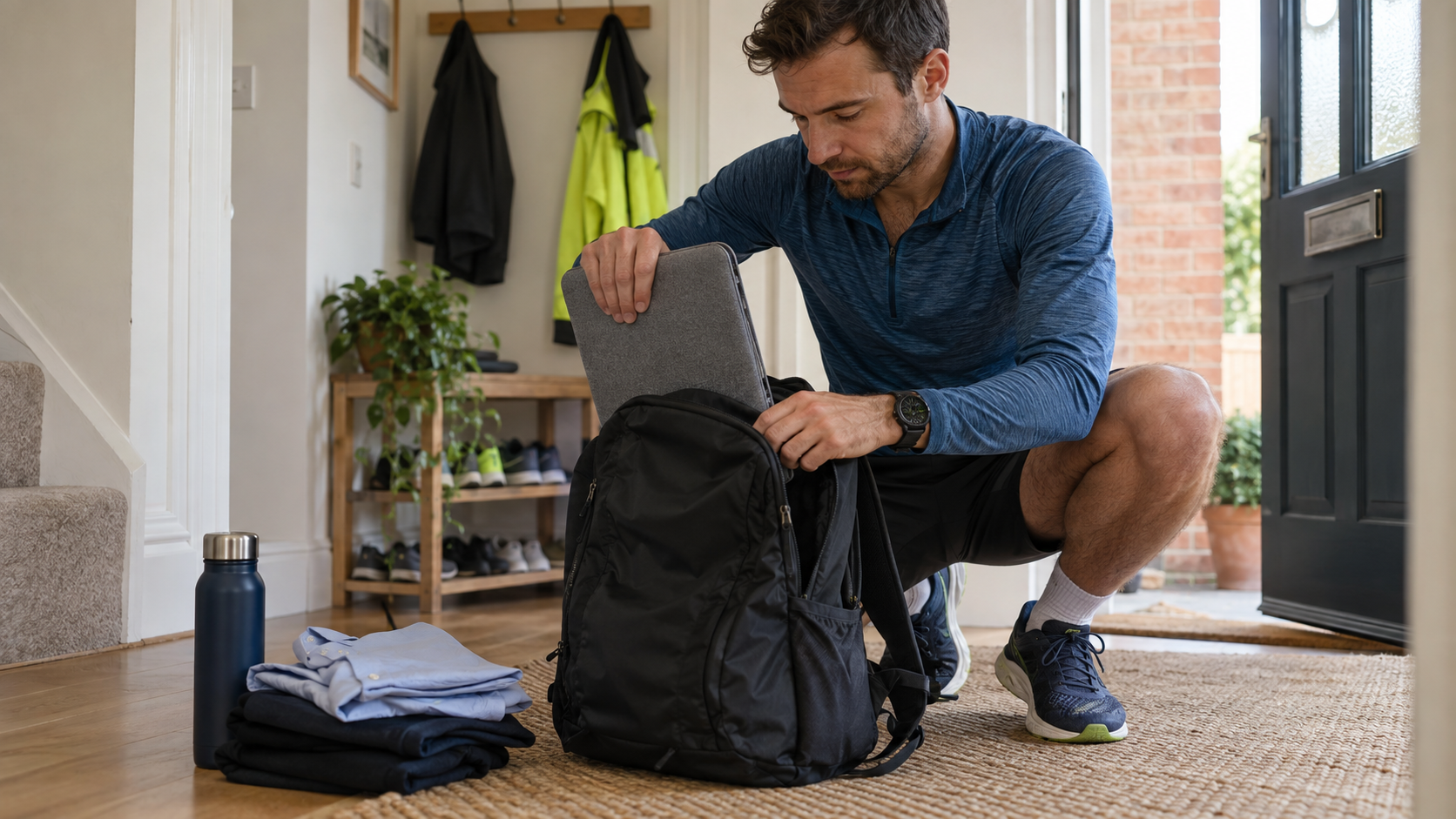
A run to work feels much easier when you carry only what you need that day. Start by laying out the laptop, clothes, lunch, towel and charger, then remove anything that can live at work. That often makes a bigger difference to comfort than buying a larger backpack.
For clothes and lunch on an easy jog, the Osprey Daylite Plus keeps everyday kit organised. If the laptop has to come too, check its protection and how steadily the whole bag sits before choosing.
Measure the laptop in its sleeve
A screen-size label won’t tell you whether the whole laptop fits. Measure the width, height and thickness with any protective sleeve you intend to use, then compare those with the pack’s stated laptop compartment dimensions. Check the opening too: a device may fit the space but be awkward to slide through a narrow zip.
Look at where the compartment ends. Padding around the edges and clearance above the base help keep the laptop away from knocks when you put the bag down. A loose internal pocket should not leave the device sliding from side to side as you run. Keep charger plugs and other hard objects away from the screen side.
Pack close to your back, then adjust
Place the laptop securely in its intended compartment and arrange soft items so they do not create a lopsided load. Avoid a heavy lunch box swinging in the outermost pocket. Close any compression straps around the actual contents before adjusting the shoulder and chest straps.
Try a short jog with the full load, including water. Check whether the bag moves separately from your body, whether the bottom taps your lower back, and whether you can swing your arms freely. Tightening every strap as hard as possible is rarely comfortable; adjust one thing at a time.
Make the clothes-only option work for you
The Daylite Plus is worth considering when your commute load is mainly clothing and lunch, particularly for an easy run or a mixed walk-and-run journey. If the laptop is coming too, repeat the fit and protection checks above with it in the bag. Our easy-commute backpack shortlist compares an organised daypack with a foldaway option for lighter loads.
If you can leave the computer at work, do the same with a spare charger, shoes and basic toiletries. Take clean clothes in on a non-running day and bring home what needs washing later in the week. You may find you can run with a much smaller, steadier load. The work-clothes packing routine covers shirt folds, lunch placement and unpacking on arrival.
Plan for the journey home
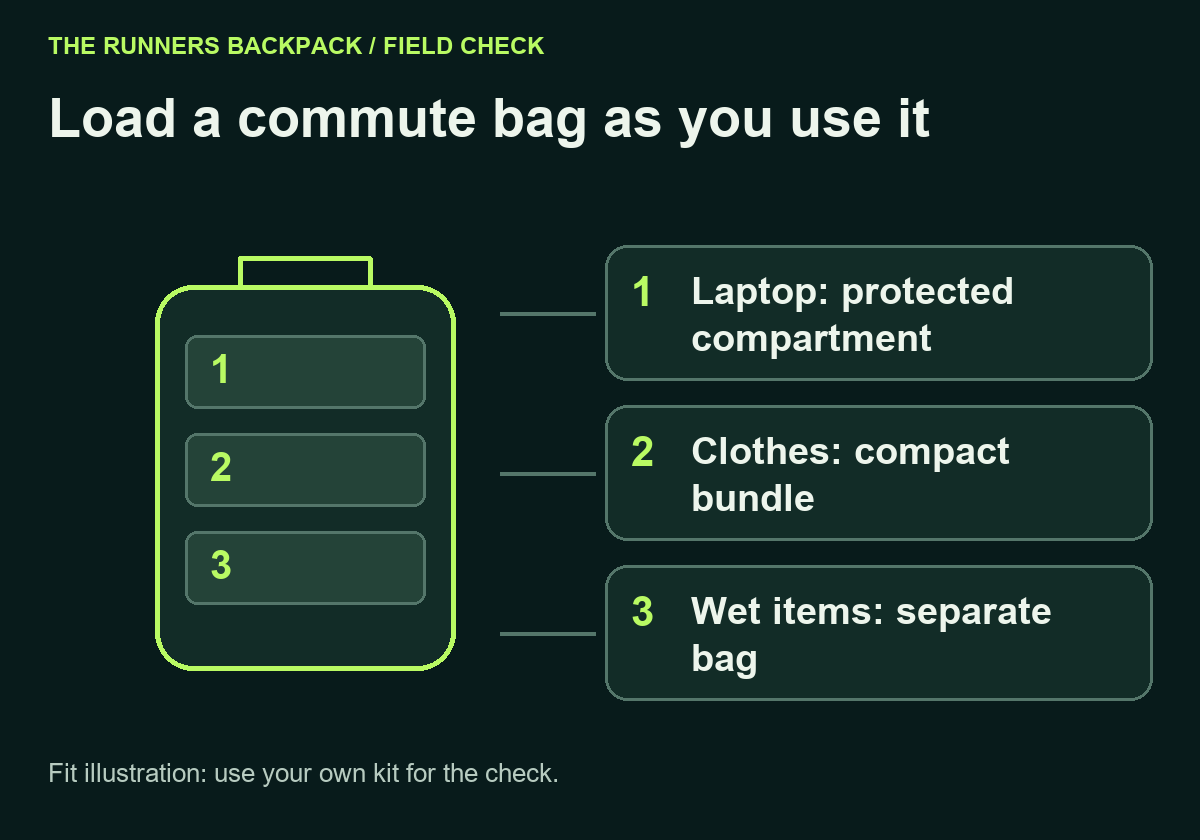
The morning load is clean and neatly folded. After work, it may include damp running clothes and a used towel. Give those items a separate washable bag so they do not share space with your laptop, lunch container or dry clothing.
Check where you can hang your commuting towel during the day. Spread it out rather than leaving it folded inside the bag. If you cannot leave footwear at work, measure the shoes as a pair before assuming they will fit in an outer pocket.
Keep rain protection practical
Check the pack’s stated weather protection and how its closures work. Protect electronics with a suitable inner barrier as well as padding, and keep drinks upright and separate. A rain cover can help shield the outside, while an inner bag protects selected contents if moisture reaches the pack.
Before the first full commute, rehearse the route with your normal load and allow time to adjust. Keep keys and a travel card reachable, check where a rear light will sit, and pack the return journey as carefully as the outward one. Our backpack fitting checklist covers the final strap and movement checks. After repeated sweaty commutes, follow the backpack washing and drying guide to clean the harness and allow the padding to dry.